
Reviews
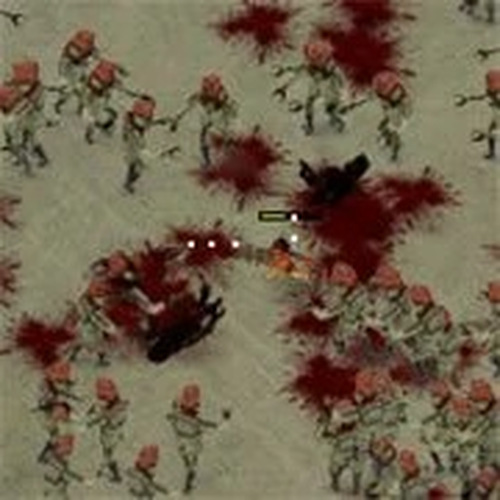
Zombie Smasher is a delightful action game that keeps you engaged with its colorful cartoon visuals and straightforward gameplay. The objective is to survive as long as possible by smashing waves of zombies with your blaster. Controls are intuitive—just aim and click. The game progressively increases in speed, offering a good challenge without being too intense. It's perfect for players of all ages looking for lighthearted, non-violent fun. The endless mode ensures replayability, and the lack of complex rules makes it easy to jump in anytime. Highly recommended for family-friendly gaming sessions.
About This Game
Game Introduction
Zombie Smasher Action Game is a family-friendly action title where players face waves of cartoon-style zombies. The core objective is to survive as long as possible by smashing zombies with a blaster. Featuring colorful graphics and easy controls, this game delivers non-stop action suitable for players of all ages. Each level introduces new challenges that test your reflexes and accuracy, offering a lighthearted and enjoyable experience.
How to Play
Players typically use a mouse or touch screen to aim and click or tap to shoot at approaching zombies. The goal is to prevent zombies from getting too close, as letting them reach you ends your survival run. Each zombie smashed adds to your score, and the game gradually increases in speed and difficulty. There are no complicated rules—just pure, engaging action that anyone can pick up quickly.
Game Features
Features include simple and intuitive controls, cartoon-style visuals, and an endless survival mode that offers increasing difficulty for lasting fun. The game is easy to learn and provides a challenge that grows as you progress. Players can aim to beat their own high scores, adding a layer of personal achievement. The family-friendly theme ensures a fun experience for all ages.
Tips for Success
To maximize your survival time, stay alert and keep your aim moving to cover all directions. Practice regularly to improve your reflexes and accuracy. Focus on taking out zombies that get closest first to maintain a safe distance. As the game speeds up, try to remain calm and prioritize your targets. Competing against your own record can help you stay motivated and improve over time.
✅ Compatibility & Testing
Faq
Similar Games
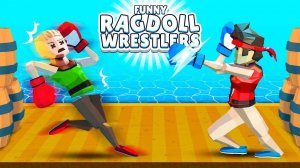
Funny Ragdoll Tusslers - Lighthearted Action Game
Silly physics and simple controls make this a joy for quick, laugh-filled matches with friends.
Among Blaster Action Game
A fun, safe twist on Among Us with simple controls and family-friendly action.
Heroes vs Zombies Puzzle Blast
A fun physics puzzle game with heroes and blasters. Great for quick play sessions.
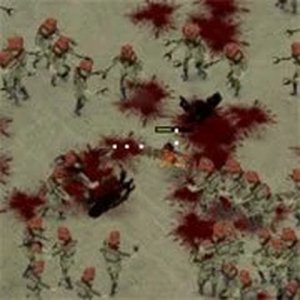
Zombie Smasher Action Game
A fun, family-friendly action game with cute zombies and simple controls. Great for quick play.